
Pie & donut charts
Pie charts express portions of a whole, using arcs or angles within a circle. Use this representation when there is a need to highlight a category or when the different values add up to a total.
Recommended for
Composition
Comparison
- Compare or show subdivisions
- Highlight a trend
Do / Don't
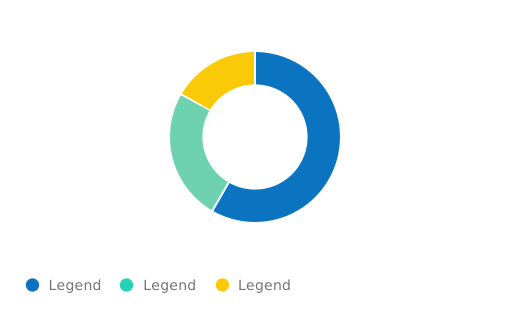
Use contrasting colors and add 2px space between color segments to delineate data and improve accessibility
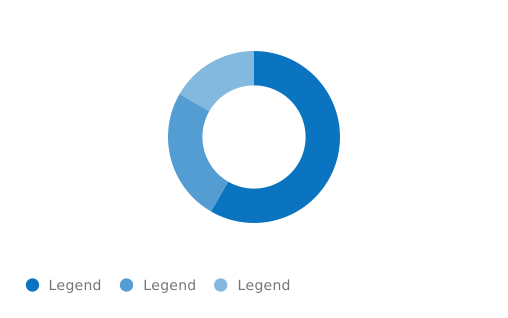
Keep accessibility in mind: don’t use similar colors and no delineation
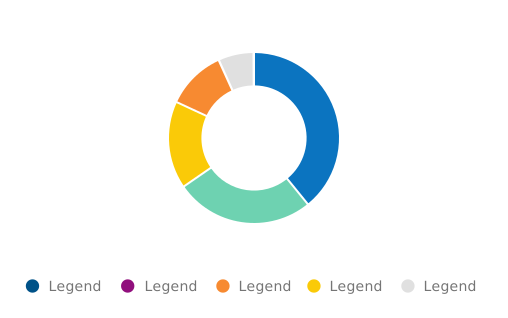
Show data in descending order, starting at the 12 o’clock point and moving clockwise.
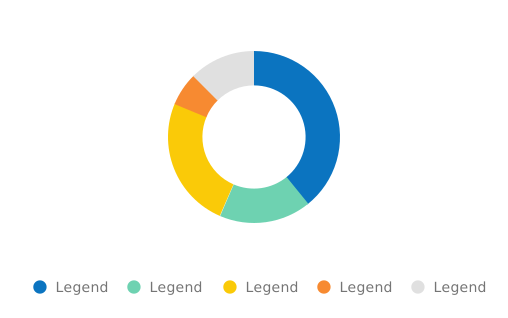
Don’t present unsorted data.
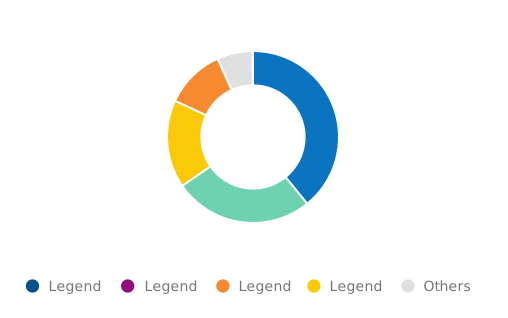
Use a pie chart to represent 2 to 5 categories and use a category ‘others’ to group the remaining smaller categories.
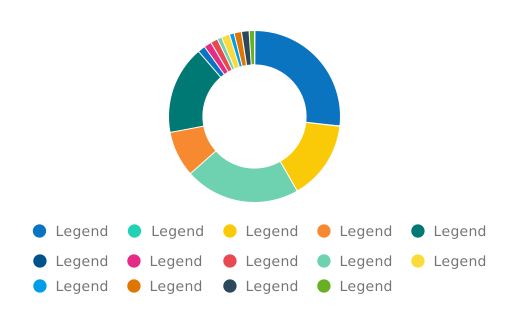
Don’t show too many categories in one chart.